
.avif)


For staff to be able to work from home effectively, here's a round-up of some key IT equipment and software to help make the working day easy and productive. Let's get started!
A comfortable supporting chair
Noone likes back or neck aches. First on our list is a comfortable chair that is ergonomic with both a high back and armrests. It should also be adjustable so you can move it to the most comfortable position. Plus, a chair with wheels allows you to move with ease. If you don't have one at home, perhaps you can use the one from your office.
A designated desk or another suitable table
A desk in your home office, your dining room table or other - no matter where you choose to work, you need a good surface to set up your computer or laptop on. Make sure you have room for any extra monitors, keyboards, accessories, printers, notepads and space for your mandatory cup of tea/coffee/water. Make sure the surface isn't too low - you don't want to be hunching over as this won't be good for your posture.
A laptop or desktop computer
Youre going to need a computer of course. But do you choose a desktop or a laptop? There are many advantages of a desktop computer including price, but the main disadvantage is their lack of portability. When choosing a desktop, you need to ensure there's a hard drive with a decent amount of capacity and RAM should no less than 4GB. The main advantage of laptops is their portability. From traditional hinged laptops to fancy convertibles where the screen detaches or folds from the keyboard so it becomes a tablet, there are lots of choices out there. And, you should also consider the size of the screen - usually above a 13-inch screen is sufficient.We would recommend looking at an 8th generation upwards Intel i7 processor, at least 4GB RAM and decent sized hard drive. It's important that no matter if you choose a desktop or laptop, your home working set up enables you to have your screen at eye level so you're not straining your neck.
A strong internet connection
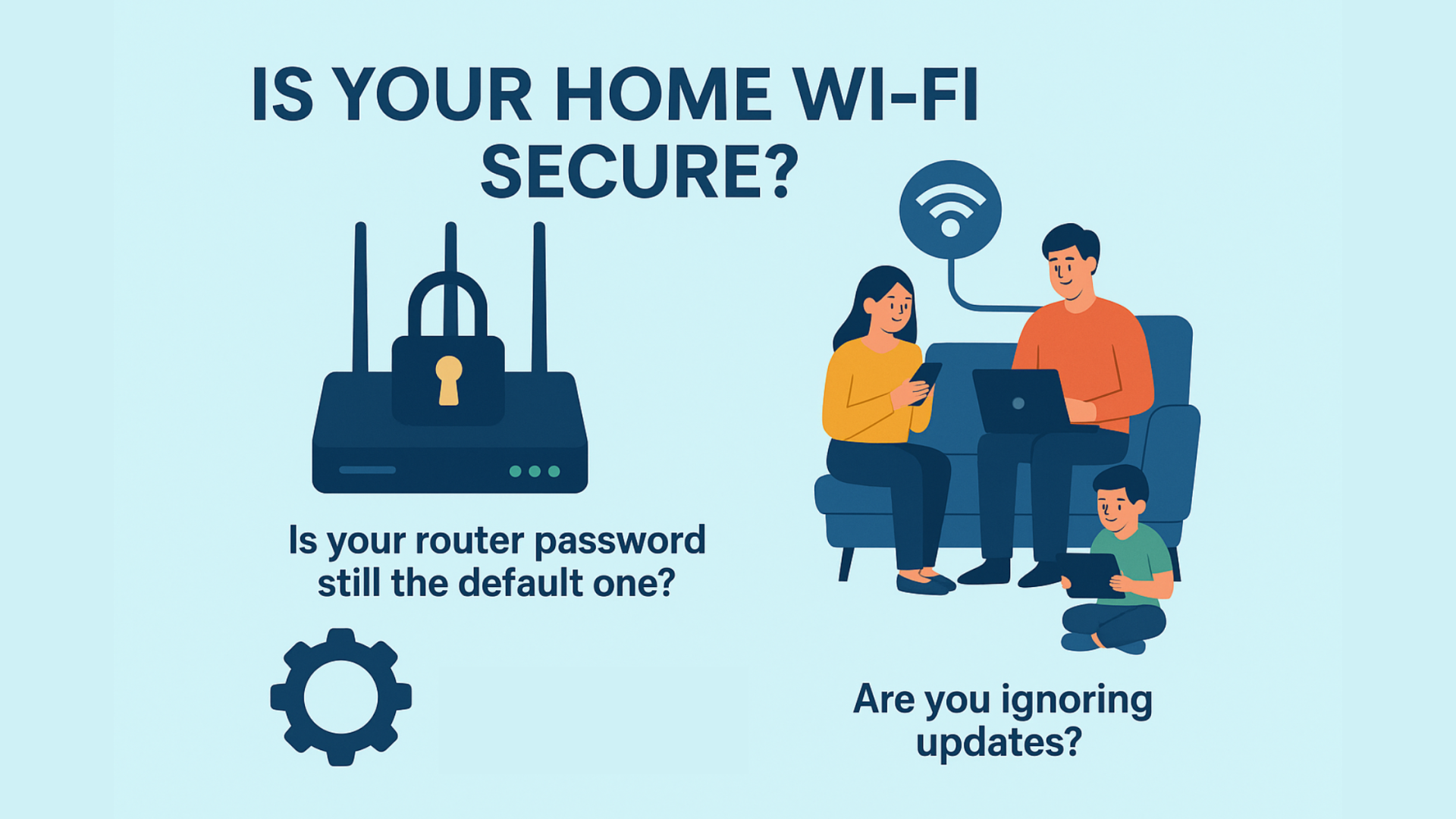
This is one of the most important tools when working remotely. With more people in your household using the internet, or even people in your street now working from home, you may find that the broadband connection which once did the job is now struggling under the pressure.From uploads to downloads to video conferencing, these aspects can be demanding on your connection. Plus, you need to take into consideration where your router is and where your new homeworking station is. If youre working too far from your router youll need to boost the signal.The easiest way to improve your internet speed, if required, is to upgrade your package, or you could look at purchasing a more advanced router.
IT equipment accessories
A monitor or laptop stand
To avoid neck and back pain, buy a laptop or monitor stand so your screen is at eye level. You'll be able to find a suitable stand no matter what your budget or requirements.
A separate monitor
Getting a separate monitor allows you to extend your display and make working easier especially if you are working from a laptop. Monitors come in many shapes, sizes, resolutions and prices - we recommend an adjustable height monitor and one that's no less than 21" and 1080p or similar resolution. If the height cannot be adjusted you can always try a stand as mentioned above.
An external keyboard and mouse
If your job involves lots of typing its a great idea to invest in a decent external keyboard. Usually, they come wireless or battery operated and as standard with a desktop, but theyre also really useful if youre using a laptop.When choosing a mouse, there are numerous options from ergonomically shaped ones and the modern-looking flat type. We like the ergonomic shape as it helps to avoid wrist pain.
Video conferencing software
From Microsoft Teams, Zoom, Skype to Google Hangouts - there's lots of choice for holding video calls. If your company already uses Microsoft 365 the chances are youll have access to Microsoft Teams, our preferred option. It comes with so many features and is much more a virtual meeting software. Last year, there were over 20 million users for Teams and this year, we can only imagine what the user increase would be. The meeting features in Teams are fantastic; you can host calls with up to 250 participants, record the session and share screens. Not only that, it enables your staff to instant message, collaborate, and access critical files and information within one central environment. Working from home doesn't mean you should rely entirely upon email to communicate with colleagues or feel lonely. You can set up different chat channels for various teams, projects or just for socialising. There's also a great whiteboard feature too if you want to get creative!
A cloud storage service
When working from home your employees need to have access to business files on demand. Without the use of the companys server (and unless youve got direct VPN access to that server), investing in a cloud storage service is vital.We would recommend using Microsoft 365 apps which include collaboration software and cloud storage. This software is a great flexible working solution. The apps allow you to access your documents remotely using either your mobile device or personal computer, share and work together on documents simultaneously, add comments, make changes and edit important information from almost any location.
A flexible phone system
Just because you're working from home doesn't mean your customers can't contact you. Rather than letting the office phones ring out, or go straight to voicemail, why not consider a cloud-based phone system. We can't live without our phone system Xelion. It's a VoIP phone system that can do everything a regular landline or mobile phone can, but calls are made via an internet connection.Some of the benefits of a VoIP phone system include enabling users to make and join calls from multiple devices, from business phone handsets, mobiles, tablets to softphones via laptops and PCs meaning your teams can work from anywhere.You may be surprised to know that switching to VoIP wont be an expensive process. Plus, with low-cost calls being one of the major benefits of VoIP, it's an extremely cost-efficient upgrade. As well as lowering the cost per call versus a traditional phone network, VoIP also offers a huge amount of flexibility for businesses with its ease of scalability enabling you to add or remove users to the service very easily.
Security Software
From cybersecurity risks to phishing, working remotely can possess several security risks for your business. If you don't have an internal IT department, why not outsource your IT? Every employee should have antivirus software installed on their devices and we'd also suggest businesses use a virtual private network (or VPN), especially if employees are using remote access software to access on-premises systems. (Check out our blog on AdaptiveComms IT support).
Getting the right IT equipment and software is vital
Working from home has been accelerated by COVID-19 and with very little sign of things reverting to pre-COVID office life, for businesses to keep working effectively, it's clear that adopting the right technologies is vital. If you need help or advice on how to support and improve home working for your business, get in touch with our team today!If you would like to chat about our IT support services, and how we can help you, complete our form below or give us a call on 01704 540547.